
Overview
You will learn
- How to create a SAP Build Process Automation project
- How to create a process that automates sales order creation and approval


Prerequisites
Prerequisites
- Access to a SAP BTP tenant with SAP Build Process Automation
Steps
Intro
IMPORTANT: Please refer to sample Sales Order Management (MI01) in the SAP Build Store if you face any issues while following the tutorials. To retrieve the sample refer to step 6 of Run the Business Process.
With the new citizen automation user experience, you will get access to a new scope of opportunities for running your day-to-day workflows. In this tutorial, you will learn how a low-code and no-code tool can help you build the apps you need at the speed your business demands, using visual drag and drop tools for application development.
There are many use cases where you can make a difference using SAP Build Process Automation. During this tutorial, you will see how the Sales Order Approval process can be built using forms where a sales order is a document which confirms a sale that is generated by the seller after receiving a purchase order from the buyer. These sale order requests have to be reviewed and approved by the supplier to ensure that the sales orders are delivered on time. Once approved or rejected, the requester will be notified.
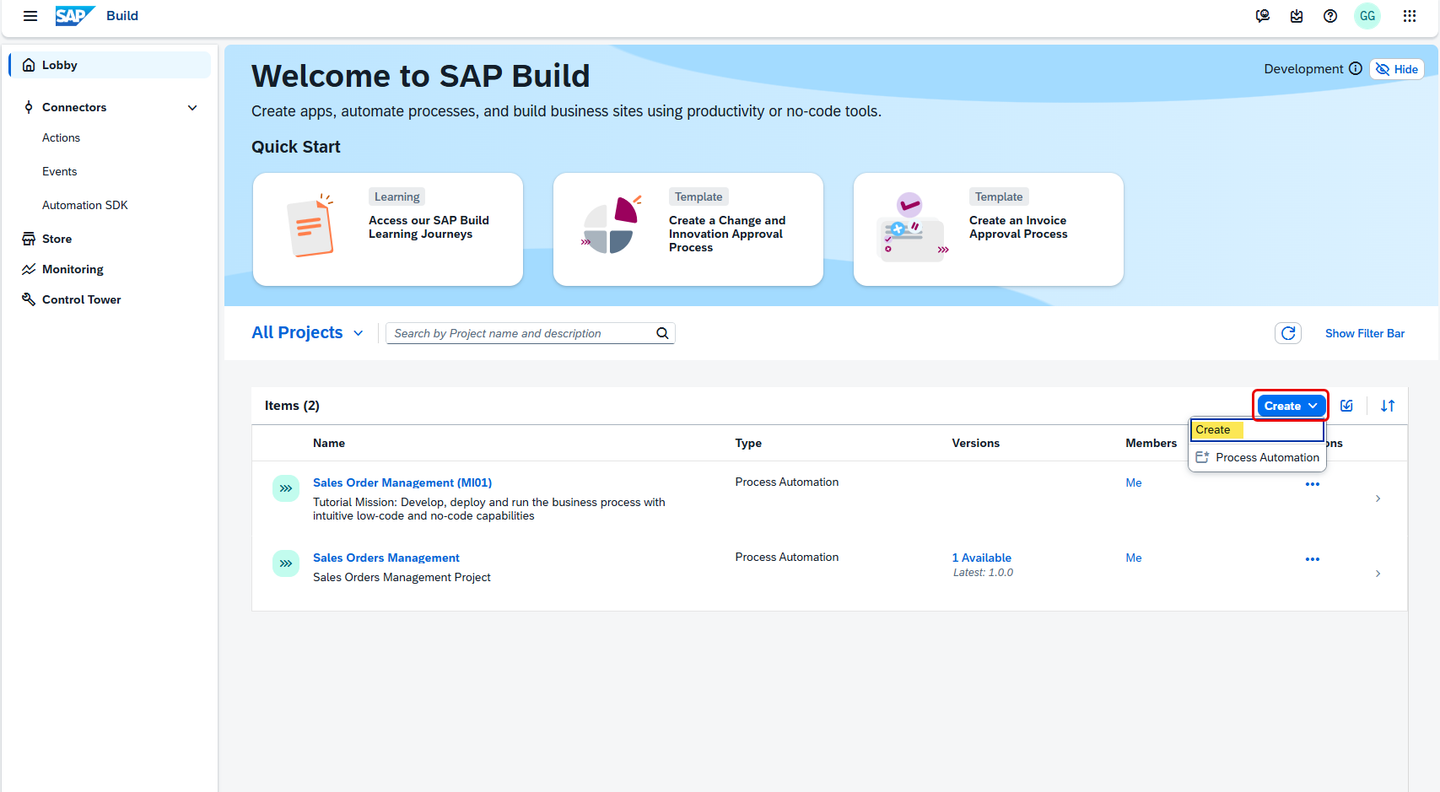
In the Lobby, click on Create. Then choose Create.
The lobby is a central page for creating, accessing, and managing your projects in SAP Build. You can access business application processes, company configured templates, and other resources for your end-to-end business process.
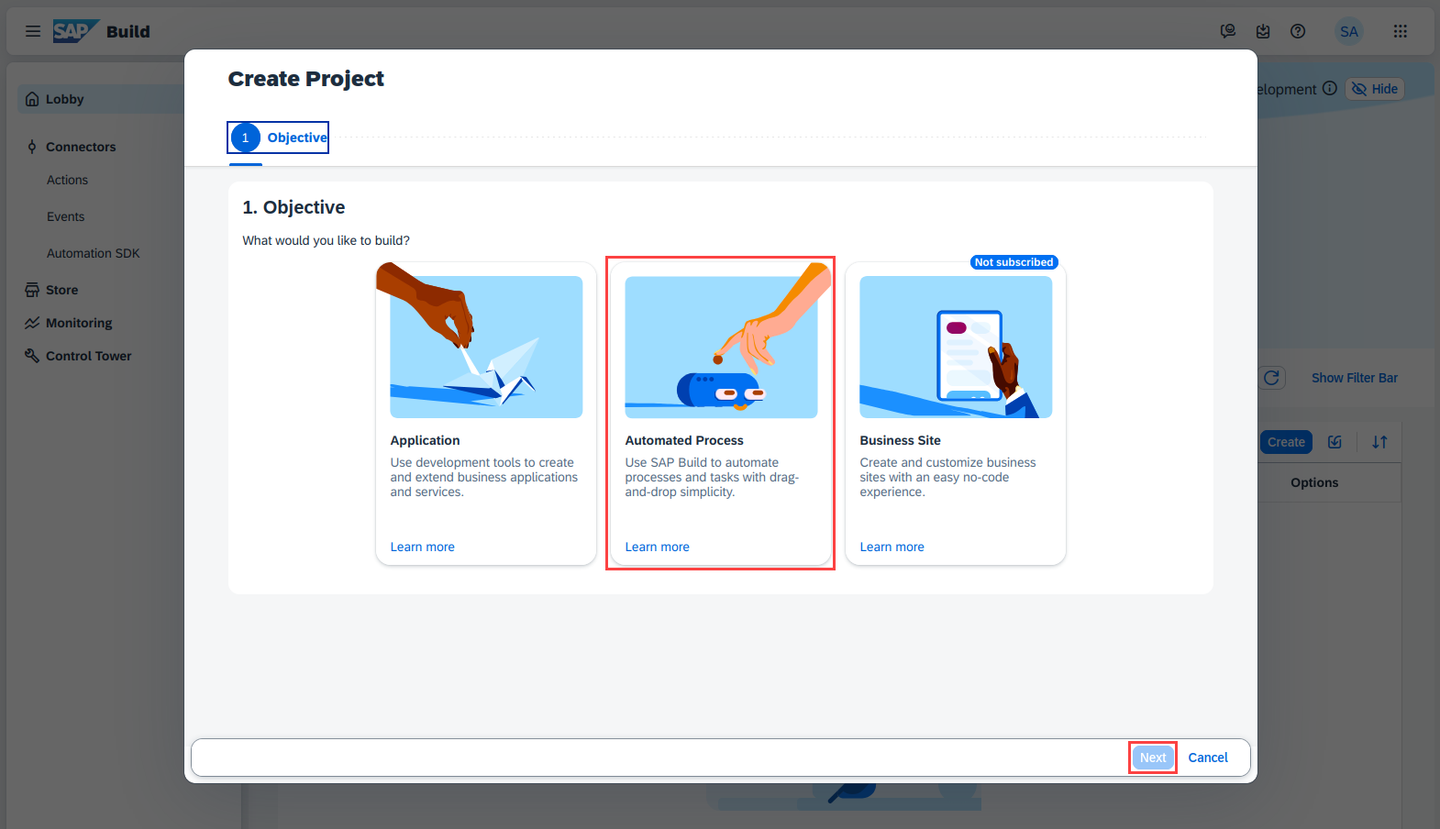
Lobby Pick Automated Process, then choose Next.
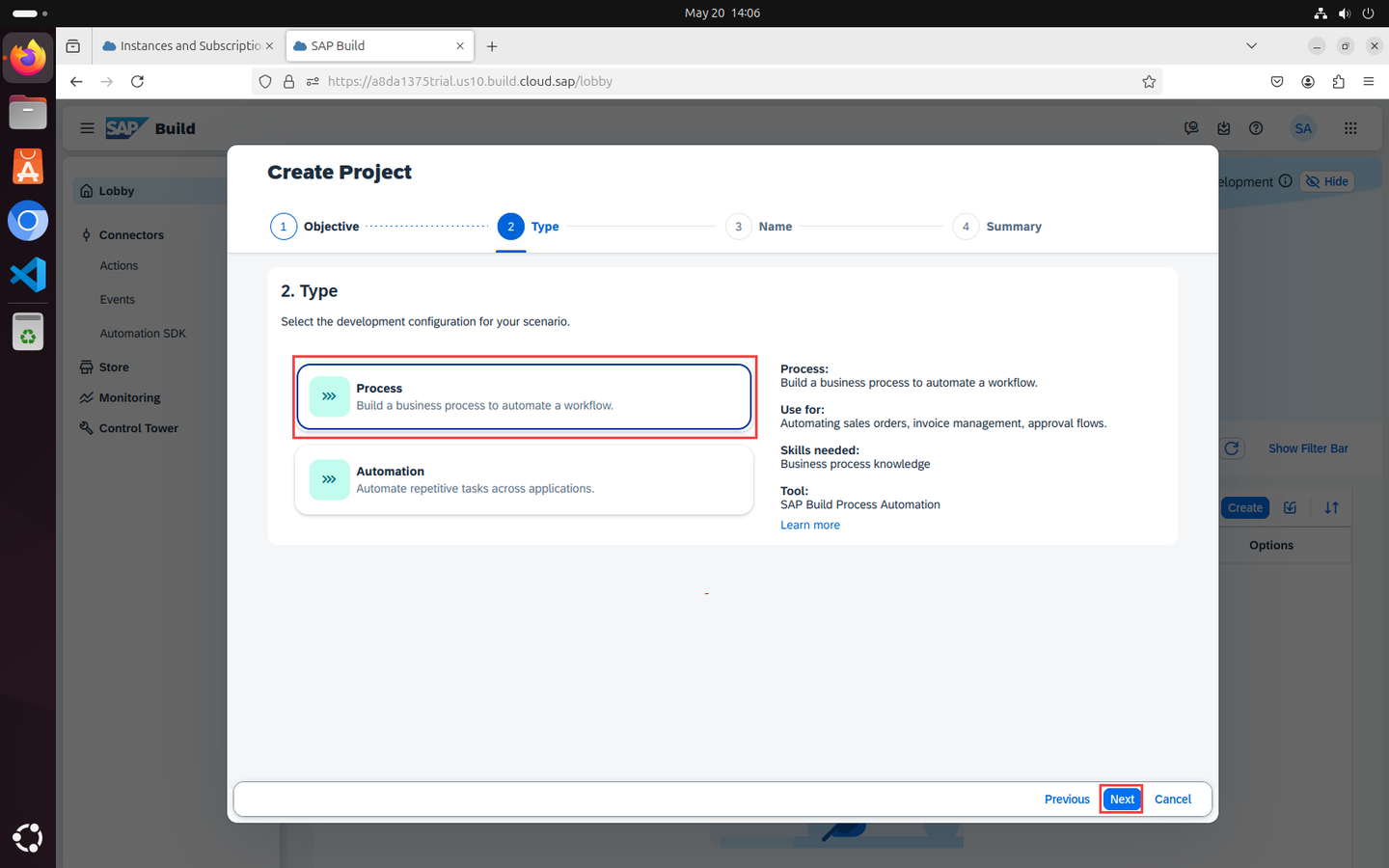
Create a Project Select Process, and then choose Next.
Business Process Projects are a collection of skills in SAP Build Process Automation. Projects are part of the internal business processes of a company and are defined based on business scenarios. A project can contain a set of processes, forms, automations and decisions, which are reusable artifacts.
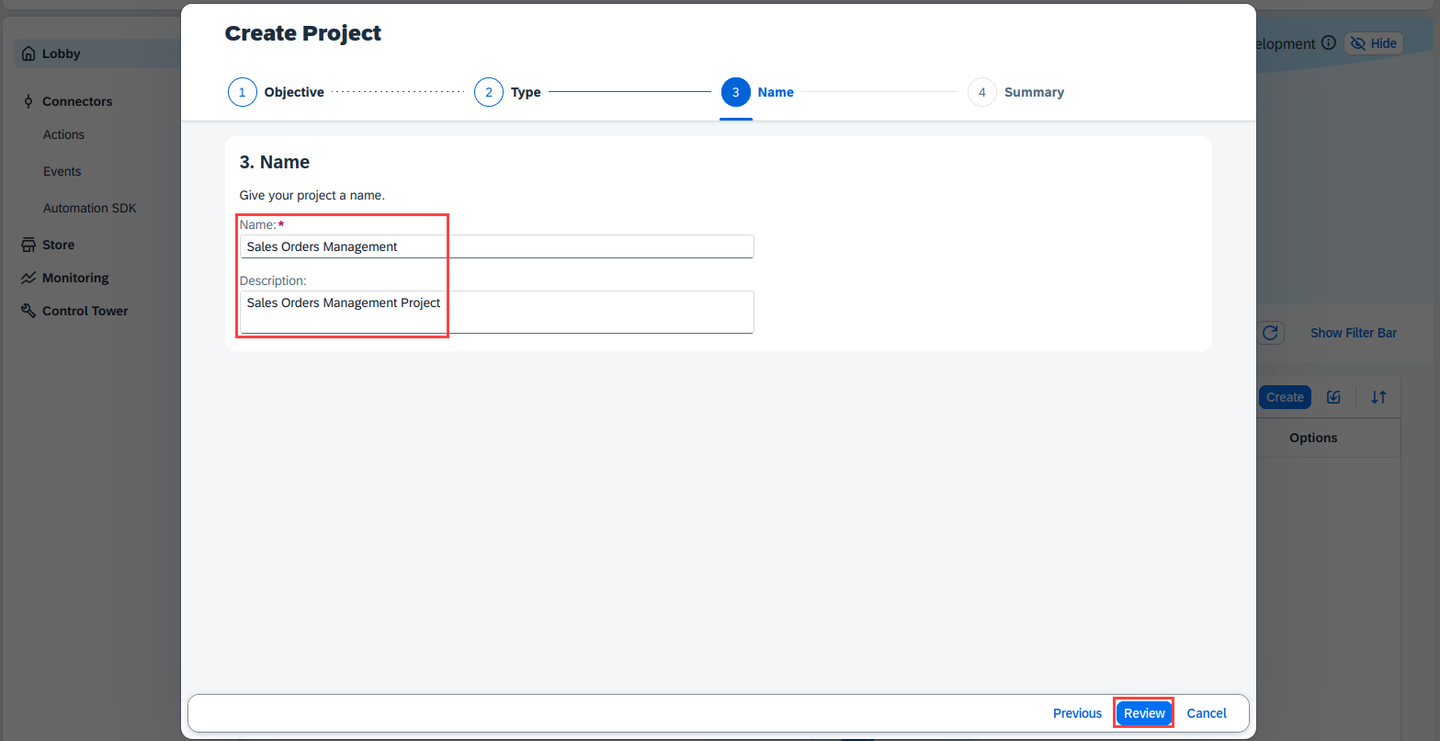
Create a Project In the Create Project dialog box, do the following:
- Enter a Project Name: Sales Orders Management
- Enter a Short Description: Sales Orders Management Project
- Choose Review
Project information In the Create Project dialog box, choose Create:
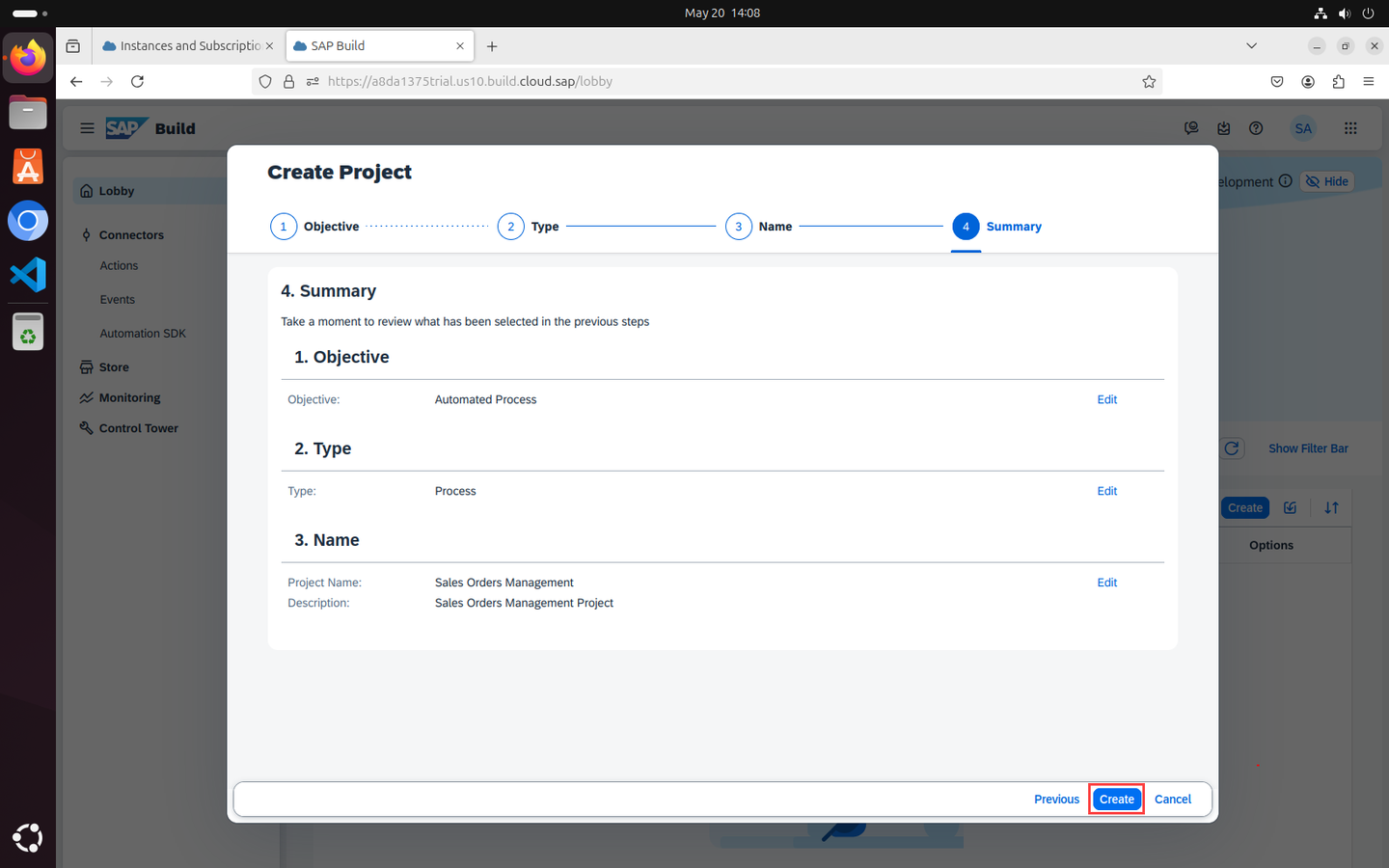
Project information If a Disclaimer page appears after the project is created, click on Accept.
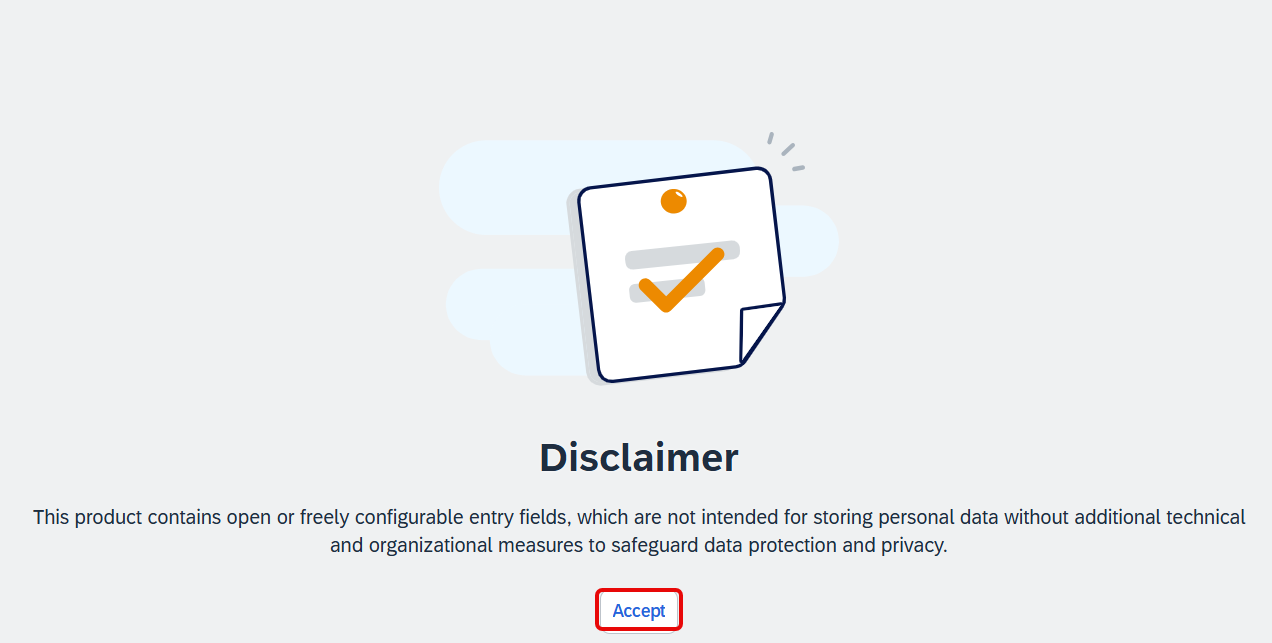
Disclaimer
A new tabs opens with the newly created project.
In the Create Process dialog box, provide the following:
- Enter a Name: Order Processing
- Enter a Description for your process: A process to handle sales orders
- Choose Create
Inside a project, you can create a process. This process is equivalent to a workflow in any business scenario. You can create this process from different skills such as forms, decisions, automations.
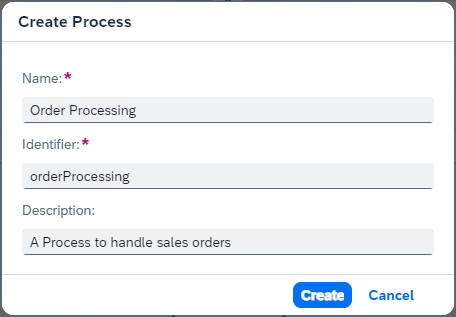
Create Process Note that the form Identifier field is auto-filled.
Resources
Discussion
Share feedback on this tutorial or join the conversation in SAP Community.